Comparison
RenameClick vs AI File Sorter
Compare RenameClick with the open-source AI File Sorter project: renaming, folder automation, local AI, search, review controls, support, and pricing.
- Choose RenameClick for a signed, supported Mac and Windows app with review-first renaming.
- Choose AI File Sorter if you specifically want an open-source DIY sorter.
- RenameClick adds content search, undo, store/direct installers, and a renamer-first workflow.
This comparison treats AI File Sorter as a credible open-source project, not a strawman.
Feature comparison
| Feature | RenameClick | AI File Sorter |
|---|---|---|
| Primary workflow | Rename files by content, organize folders, search by content, and automate intake folders. | Sort files into folders with an open-source local workflow. |
| Setup | Signed desktop app with the Local provider, one-time model download, and optional cloud or local-server providers. | DIY-friendly open-source setup; best for users comfortable managing tooling. |
| Review and undo | Review-first batches, editable suggested names, apply selection, undo/redo for disk changes. | Depends on the project workflow and local setup. |
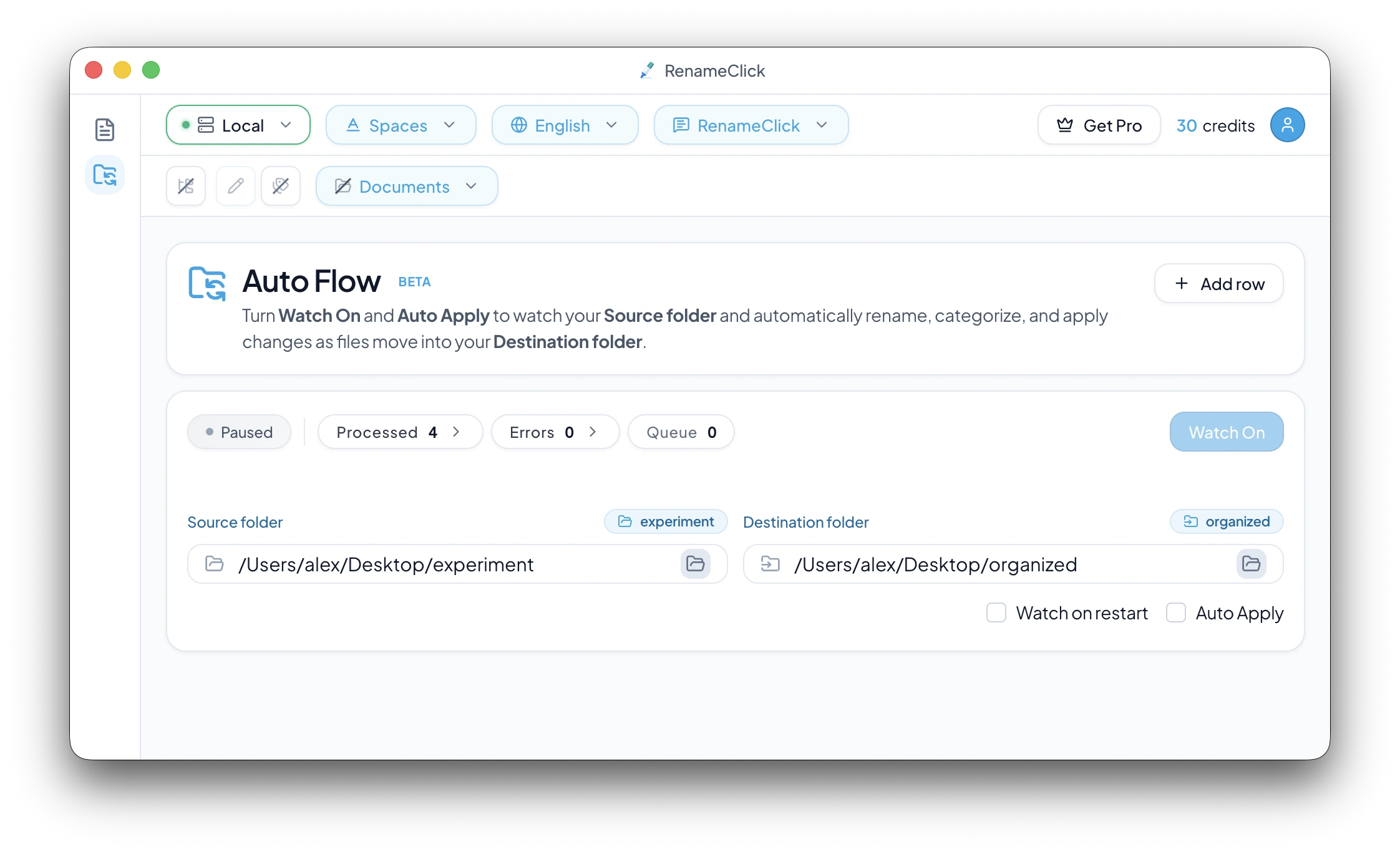
| Automation | Auto Flow rows with source, destination, preset, format, custom instructions, and Auto Apply. | Useful sorting workflow, but less productized around ongoing folder automation. |
| Commercial fit | Best when you want support, installers, docs, and a paid product roadmap. | Best when free/open-source and auditability matter more than polish or support. |
The short version
AI File Sorter is a good option for users who want a free, open-source sorter and are comfortable with a DIY workflow. RenameClick is built for people who want a supported desktop app that starts with safe renaming and grows into organization, search, and automation.
Where RenameClick differs
RenameClick is intentionally renamer-first. Many users start with a messy batch, review suggested filenames, and only later turn on category moves or Auto Flow. That makes the product useful before you trust automation.
It also includes AI Search, which is free for content matching and read-only for renaming, so you can find files by content before deciding whether to rename or move them.
Which one should you pick?
Pick AI File Sorter if open source is the top requirement and you are happy to manage the workflow yourself. Pick RenameClick if you want Mac and Windows installers, review-first apply, undo, content search, and an app that stays understandable for non-technical file cleanup.
FAQ
Is RenameClick an AI File Sorter alternative?
Yes. RenameClick can sort files into folders, but it also focuses on AI renaming, content search, review-first apply, and undo.
Is AI File Sorter open source?
Yes. The project commonly ranking for that name is open source. That is a strength if open-source auditability is your main requirement.
Does RenameClick work offline?
Yes. RenameClick supports local AI mode, and cloud providers are optional.